Look.
Your product page, your 3D frame. Every angle.
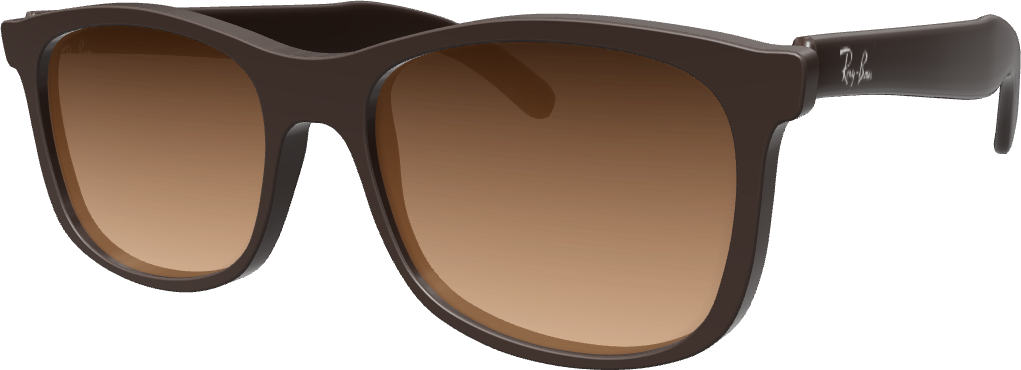
Ray-Ban
Virtual try-on for eyewear stores
Bring your frames to life
with 3D models and virtual try-on.
The moment shoppers hesitate
Your product page, your 3D frame. Every angle.
Ray-Ban
On their own face, right in your store.
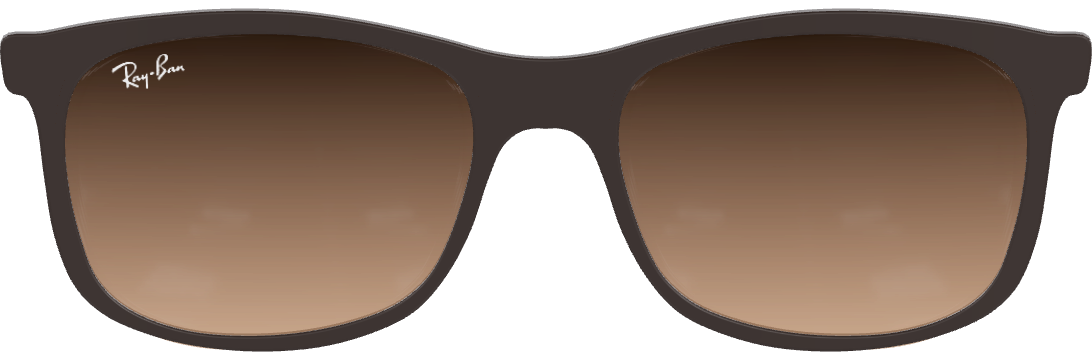
The same frame lands in the bag.
In your bag
Your store. Your checkout. Your customer.
How a pilot starts
No replatforming. Cost and terms agreed before you commit.
Product pages from your store.
Frames, platform, devices. One plan.
Your frames, live on your product pages.
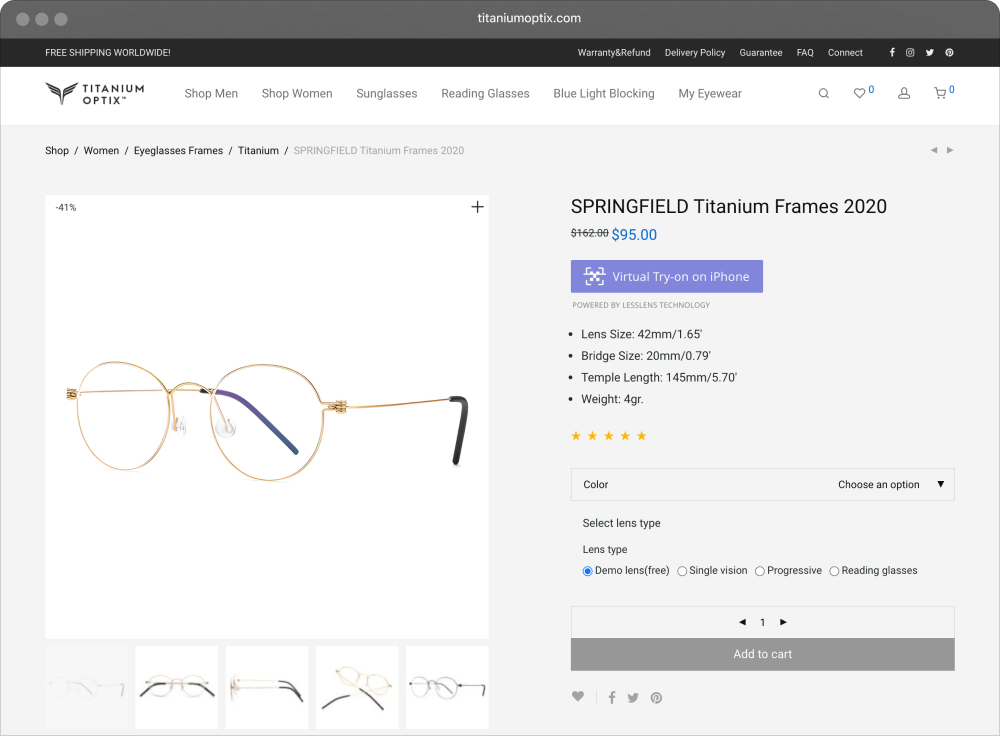
The LessLens button on a Titanium Optix product page.
Works with your store
A small script and a button on the product page. No replatforming.







We confirm your platform, catalog coverage and the setup before a pilot begins.
Shoppers trust LessLens
300 000+
“I have ordered my new Ray-Ban after trying on several variants with LessLens. Suits me perfectly, just like when I was trying them on with the app!”
“The glasses look very natural! It’s just like wearing it for real. The interface is super simple. You start the app and immediately see yourself wearing glasses.”
“I’m 70 years old and trying to go with technology. I can’t spend a lot of time in a mall to choose glasses. Glad this application exists.”
“The face recognition was working pretty well. I liked that I didn’t need to upload a photo to see models on myself.”
“Great app, especially when you can’t go somewhere and try it on. Good quality, very nicely fit. Overall love it!”
“This is a really cool app. The glasses are great. It would allow you to see and interact with these glasses before you commit to buy.”
“It usually takes me a lot of time to choose the right pair because of my bone structure, so I was skeptical. Gonna purchase more for my mom and me!”
“The glasses look very natural! It’s just like wearing it for real. The interface is super simple. You start the app and immediately see yourself wearing glasses.”
A little more clarity
Have a different question?
Let’s talk about your store
LessLens is a virtual try-on for online eyewear stores. Shoppers try your frames on their own face, right on your product page: in the browser on a computer, and in Apple’s AR viewer on iPhone. We also make the LessLens try-on app for iPhone, rated 4.7 on the App Store.
On a computer, the try-on runs in the browser, with nothing to install. On iPhone, it opens in Apple’s AR Quick Look viewer straight from your product page. The camera turns on only when a shopper starts the try-on.
No. The try-on processes the camera image on the shopper’s phone or computer. LessLens doesn’t receive or store camera images.
Send us your store URL and e-commerce platform. We’ll confirm the integration approach and the devices and browsers to test. A self-service Shopify or WooCommerce marketplace installation is not offered on this site yet.
We need the exact model and variant to confirm a match. If a frame is not available, we’ll discuss whether it can be digitized and what that work involves.
The pilot runs for 60 days from the day the try-on button goes live, on up to 20 of your frames, with no subscription fee. Frames from our catalog are free; new 3D models are $39 each, credited in full to your subscription if you continue. Plans start at $99 a month for up to 50 frames, with no limits on try-ons (fair use applies). See pricing.
Agree what success means for your store before the pilot. You might compare try-on engagement and purchase conversion. The effect depends on your audience and setup; we don’t assume a fixed sales uplift.
Your store URL, e-commerce platform, a few representative product links and the approximate number of frames. The pilot form takes a minute; a call is optional.
LessLens for business
Start with your store and a few frames.
Let’s explore what a pilot could look like.
Takes a minute · or write to info@lesslens.com
 LessLens try-on